Overview
AI Question Generator is a full-stack, AI-powered assessment platform that bridges the gap between content and evaluation. Teachers upload PDF documents or paste text, and the system automatically generates quiz questions using a large language model. Students join quizzes via a simple 6-digit code and receive instant feedback on their performance.
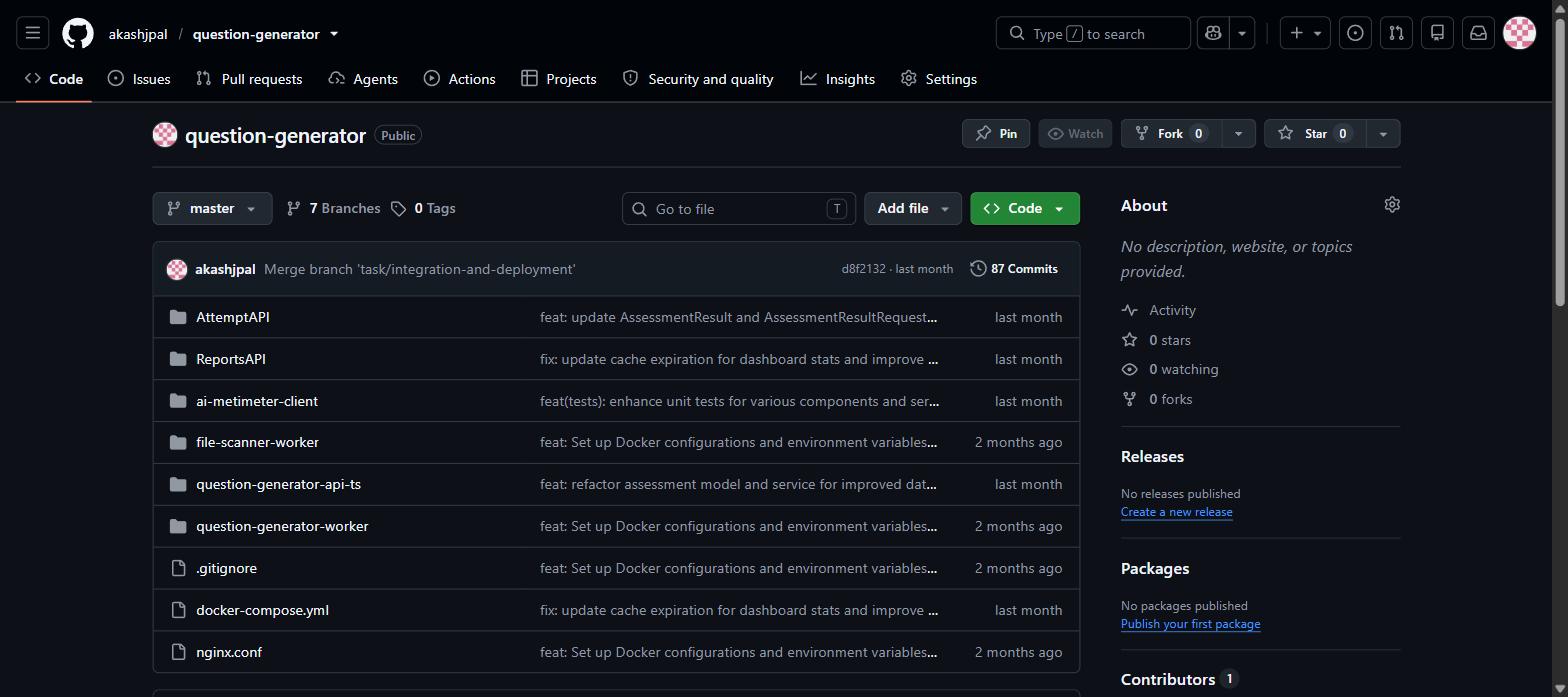
The project is built as a polyglot microservices monorepo — six independently-deployed services, each written in the most appropriate language for its role, all orchestrated together using Docker Compose and Nginx.
Architecture
The platform is composed of six services working together in a pipeline.
The Angular 18 frontend (ai-metimeter-client) serves two distinct portals — a Teacher Dashboard and a Student Portal — with a dark premium theme featuring aurora gradients and glassmorphic UI components built with Angular Material.
The File Upload API (question-generator-api-ts) is a lightweight Node.js/Express service that accepts raw PDF uploads up to 10MB and stores them in Appwrite cloud storage, acting as the entry point for the content pipeline.
The AI Worker (question-generator-worker) is the core engine, built with Python and FastAPI. It listens to a Redis job queue, picks up uploaded file references, extracts text from PDFs using PyMuPDF, and sends the text to the Groq LLM API to generate quiz questions asynchronously.
The Attempt API (AttemptAPI) is an ASP.NET Core service that handles the student quiz-taking flow — saving in-progress answers and processing final submissions — following a clean Controller → Service → Repository pattern backed by PostgreSQL.
The Reports API (ReportsAPI) is another ASP.NET Core service handling teacher-facing analytics including dashboard statistics, per-assessment results, and participant data. It uses Redis caching with proper expiration to keep responses fast.
The File Scanner Worker (file-scanner-worker) is a dedicated worker for pre-processing and validating uploaded files before they enter the AI pipeline.
Key Features
For Teachers: upload PDFs or paste text to instantly generate AI-powered quizzes, manage and publish assessments with a unique 6-digit join code, view detailed analytics (average scores, high/low, participant counts), and export results as PDF or CSV.
For Students: join any quiz instantly with a 6-digit code, navigate a step-by-step question flow with a live timer and progress tracking, and receive instant score and performance feedback on completion.
Design Decisions
Polyglot microservices — Each service is written in the language best suited to its job: Python for AI processing, C# for robust transactional APIs, Node.js for file handling, and Angular for the frontend.
Async job queue with Redis — File uploads trigger jobs that the Python worker consumes asynchronously, decoupling the upload flow from AI generation and keeping the UI responsive.
Groq for LLM inference — Chosen for its extremely fast inference speeds, critical for a responsive quiz generation experience.
Appwrite for file storage — Offloads blob storage to a managed backend, avoiding the need to handle file persistence infrastructure manually.
Redis caching in ReportsAPI — Dashboard statistics are cached with appropriate expiration, preventing expensive database queries on every teacher analytics page load.